












User Info Widget
Back to All Guides
GET IN TOUCH
If you would like to get further information about Frog or help in getting it set up in your school please get in touch via the contact details below...
hello@frogeducation.com
User Info Widget
The User info widget presents the display name, class and email address of the logged in user.
User Info Widget
If you wish to review your class and school name or email address you can place the User info widget on a page. The User info widget will always display the details of the user viewing it.
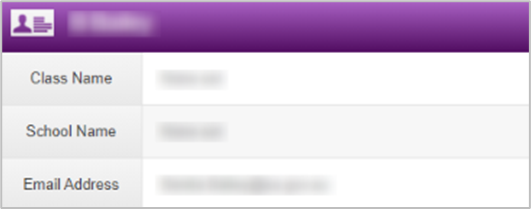
There are no editable fields within the Edit panel, however the style of the widget can be adjusted by selecting the Style button on the top left of the widget.