Select User Widget
Back to All Guides
GET IN TOUCH
If you would like to get further information about Frog or help in getting it set up in your school please get in touch via the contact details below...
hello@frogeducation.com
Select User Widget
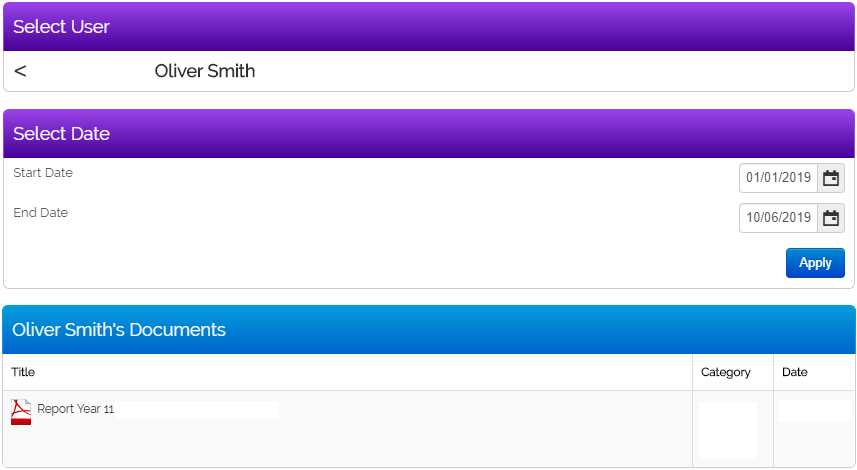
The Select user widget allows the selection of a user to view their data via the Parent engagement portal (PEP) widgets.
Select User Widget
Select the Search button and begin typing a name to find a user.
Note: PEP widgets are not currently in use with Frog in SA schools.
Below is an example of this widget is used on a page. This has been used in conjunction with the select data widget to display Civica education suite (CES) linked linked document information.
Use the < option to clear your selection.