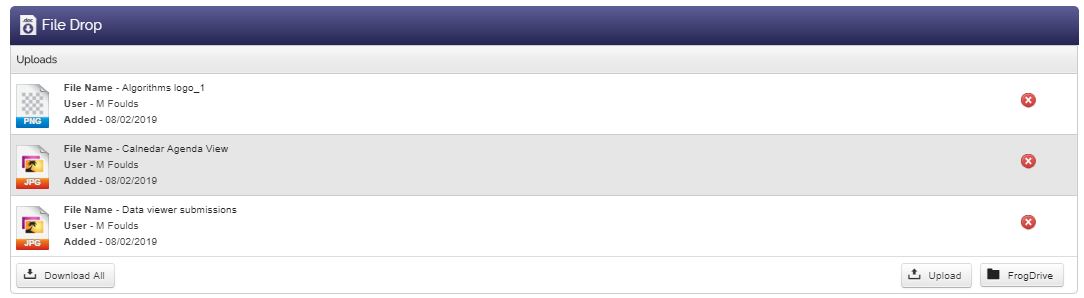











File Drop Widget
Back to All Guides
GET IN TOUCH
If you would like to get further information about Frog or help in getting it set up in your school please get in touch via the contact details below...
hello@frogeducation.com
File Drop Widget
File drop widget allows you to place an interactive element on a page where users with contribute access to your site can upload files.
File Drop Widget
The File drop widget allows you to place an interactive element on a page where users with contribute access to your site can upload files. This can be used as a collaborative tool within a group or, if the site is assigned, as an activity in an assignment.
Note: In order to interact with the File drop widget, users will need at least contribute rights to the site.
Settings
The File drop widget has two views.
- Individual - Means that only people with Edit and manage rights and the individual who uploaded a file can see the file. This is a useful tool when working with students, as it allows them all to pass work to you, but prevents them seeing anyone else’s
- Group - View displays all files to everyone.
You can allow or prevent users from deleting their own files. This is really useful for the classroom. Anyone with Edit and manage rights to the site can delete files from the File drop too.
If they have an iOS device such as an iPhone or iPad, then the free app FrogSnap will allow them to hand in images, audio files and video directly to the File drop in an assignment.