












Personal Dashboard
Back to All Guides
GET IN TOUCH
If you would like to get further information about Frog or help in getting it set up in your school please get in touch via the contact details below...
hello@frogeducation.com
Personal Dashboard
The Personal dashboard site is your personal Frog site on the platform and cannot be shared with any other users or accessed by them. You can personalise the theme and layout of your site as well as the items displayed on it.
Personal Dashboards
The Personal dashboard is your personal Frog site on the platform and cannot be shared with any other users or accessed by them. You can personalise the theme and layout of your Frog site as well as the items displayed on it.
Note: This may not be the first dashboard you see when you log in.
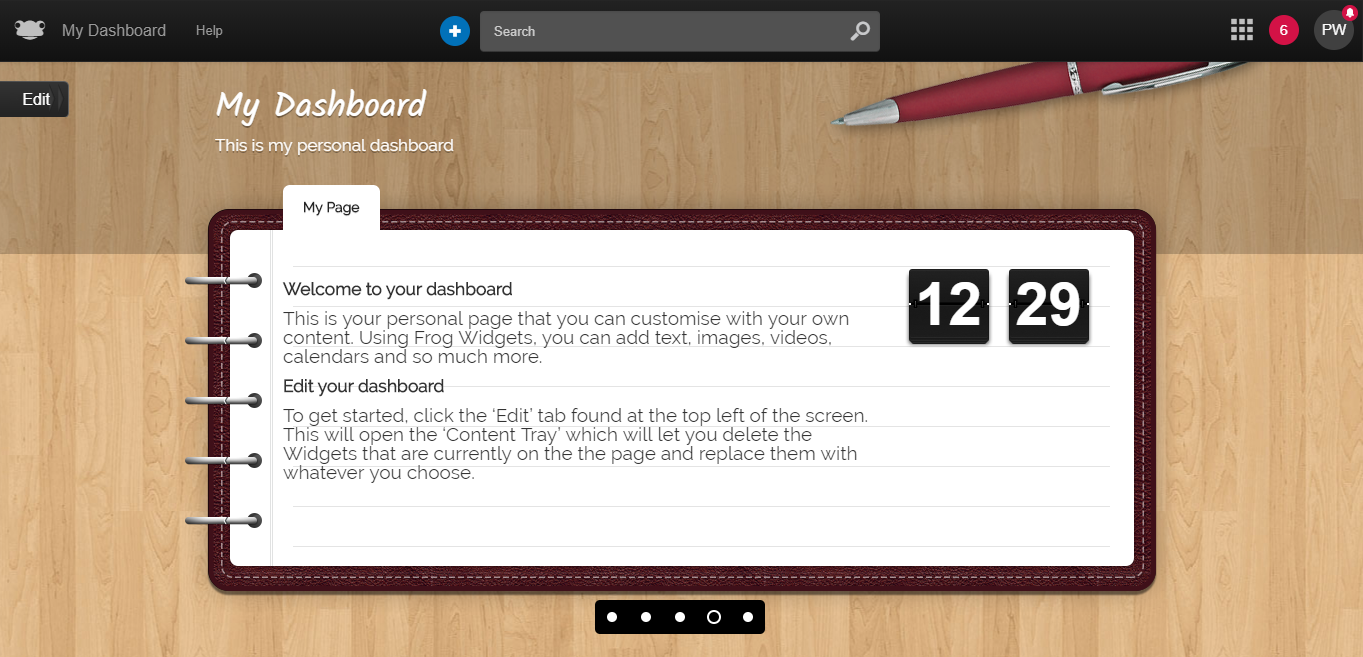
You can switch between your dashboard and any other dashboards your administrator has set up by using the Dashboard selector. You can access your dashboard at anytime on the platform by selecting the Frog icon from the Frog bar. This will return you to the dashboard view showing the last dashboard you were viewing.
Selecting the Frog head whilst viewing a dashboard will open up a window that allows you to select another dashboard. To edit your dashboard Frog site, select the Edit button.
The Content tray will now be displayed. The same options that are available when editing Frog sites are available when editing your dashboard, with the exception of tagging and some widgets. You can change the theme and layout of the dashboard, as well as adding more pages to the dashboard Frog site in the same way as when editing a Frog site.