












Notifications
Back to All Guides
GET IN TOUCH
If you would like to get further information about Frog or help in getting it set up in your school please get in touch via the contact details below...
hello@frogeducation.com
Notifications
As an admin you will receive certain notifications highlighting activities that have occurred in the platform relevant to you.
Note: Email notifications can also be enabled by toggling them On. Navigate to this through the My preferences application.
Notifications
Throughout Frog you can perform actions that have an impact on other users or provide other users with the opportunity to interact with you. These can be viewed by selecting the Notifications application found in Quick launch.
Notifications are grouped by their type. This is determined by the area of the platform that generates the notification. Examples of these areas include assignments and calendars.
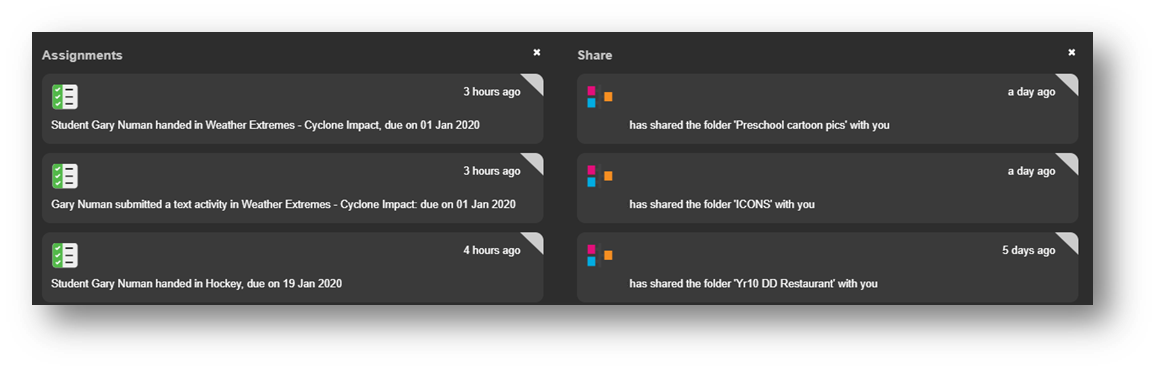
To dismiss a notification group, select the X button located to the right of the group title. You can select the notification itself allowing you to be taken to the item that generated it.
Notifications can also be displayed using the Notifications Widget. This widget will also display notifications in groups and can be added to any page or site, including dashboards.