












Back to All Guides
GET IN TOUCH
If you would like to get further information about Frog or help in getting it set up in your school please get in touch via the contact details below...
hello@frogeducation.com
Importing Frog Templates
How to...? guide on importing templates into your Frog environment.
Importing Frog Templates
A site that is marked as a Template will be displayed to users when they are creating sites through the Site creation wizard. These can be found by selecting the blue cross at the top of the page, and then selecting from the template options available.
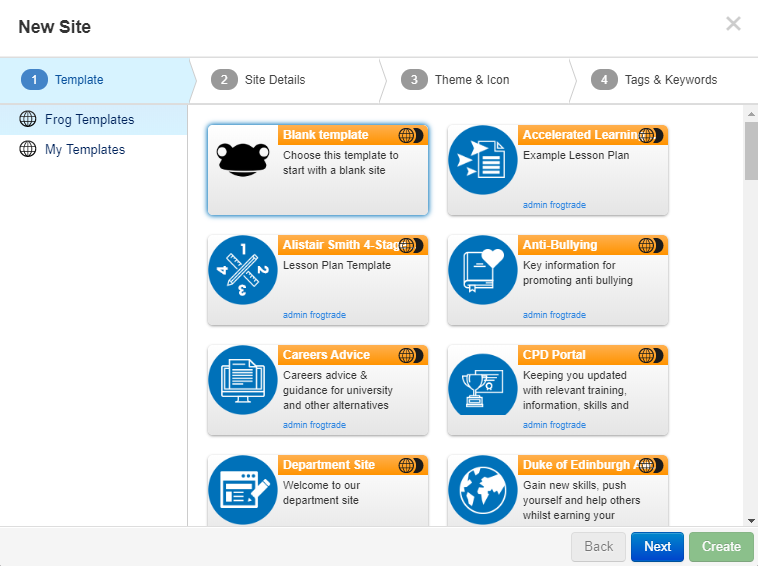
There are two options for selecting a template:
- Frog templates - These are templates developed by the DfE that are stored within a template server and are available to all sites with Frog
- My templates - Are templates created within a Frog environment and saved as templates.